HOW IT WORKS

How to activate your warranty.

Follow the steps below to register your WELZH product using the activation code on your label.

BEFORE YOU BEGIN

Have these to hand.

STEP 01

It starts with
your label.

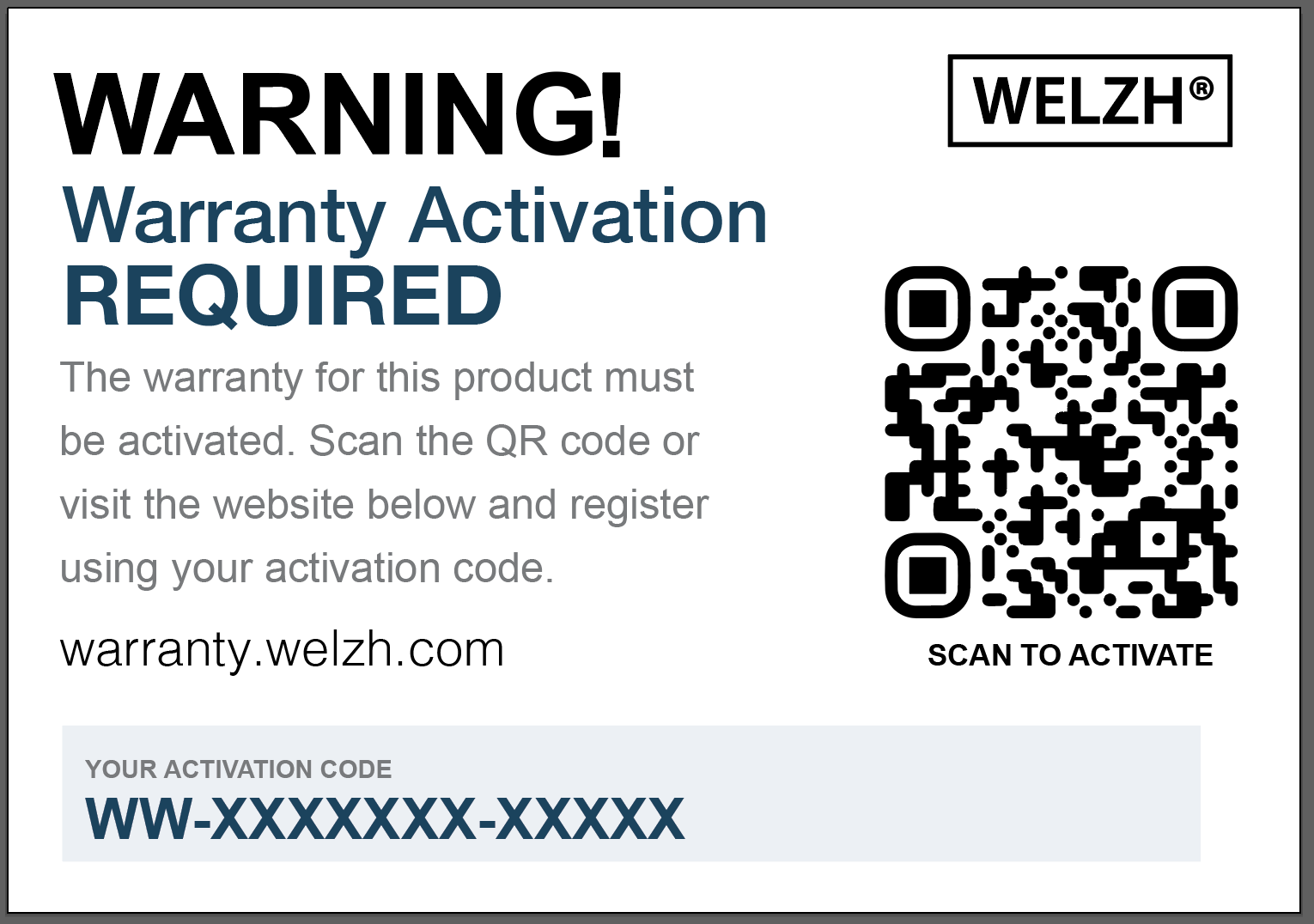
The warranty activation label may be attached to the product packaging or to the product itself. Keep it safe — it contains the unique code you’ll use to register.

The activation code is not your product SKU. Each code can be used once.
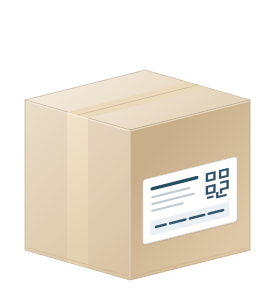
Plain cardboard box with packing tape and a simplified activation label on its side
YOUR ACTIVATION LABEL
Magnified warranty label with the unique activation code highlighted
Your unique code appears at the bottom of the label.
STEP 02

Scan. Open.
Get started.

Scan the QR code on the warranty label with your phone’s camera. It takes you to the WELZH Warranty Portal.

Select Activate your warranty to open the registration form. You can also visit warranty.welzh.com.

WELZH WARRANTY PORTALYour product.
Registered.
Activate your warranty ↗
Start on your phone or computer
STEP 03

Your details.
Your product.

Enter your name or company name and email address. Then add your activation code, product ID / SKU, purchase date and distributor details.

You’ll find the SKU on the product, packaging or invoice. If your activation code is linked to a specific SKU, they must match.

123

Product details

Illustration · enter your own product details
STEP 04

Add your
proof of purchase.

Upload a clear copy of the invoice from the distributor you bought the product from.

Make sure the product details and purchase date are readable. Check that the document is complete before continuing.

INVOICE
ProductPurchase dateYour WELZH productDD / MM / YYYY
Purchase invoiceA clear, complete copy
STEP 05

One final check.
Then confirm.

Review your customer and product details, check your email address and read the declarations shown in the form. Then confirm your registration.

A valid, unused activation code is required. Successful registrations are activated automatically — no manual approval is needed.

REVIEW & CONFIRM

Everything in place.

✓ Customer details

✓ Product & activation code

✓ Purchase information

✓ Distributor invoice

Confirm registration ↗
STEP 06

Registered.
Check your inbox.

You’ll receive a confirmation email from warranties@welzh.com, with your registration reference, product details and warranty dates.

Your warranty runs for 12 months from the registration date. Keep the confirmation, activation label and purchase invoice for your records.

KEEP A COPY

Your guide, to go.

↓ Download PDF

A LITTLE EXTRA HELP

A question before
you begin?

My product doesn’t have an activation code.

Activation labels are being introduced on selected products. If yours has no code, contact your distributor or our warranty team for guidance.

My activation code isn’t accepted.

Check the code against the label and check your product SKU. A code can only be used once. If it still isn’t accepted, contact warranties@welzh.com with your SKU and a description of the problem.

I haven’t received my confirmation email.

Check your spam or junk folder. If your registration completed but the email hasn’t arrived, contact our warranty team. Don’t try to register the same code again.

How is my information used?

Your details and purchase invoice are collected to register and administer your warranty. Read our Privacy Policy for more information.

ALL SET?

Let’s register your WELZH product.

Activate your warranty